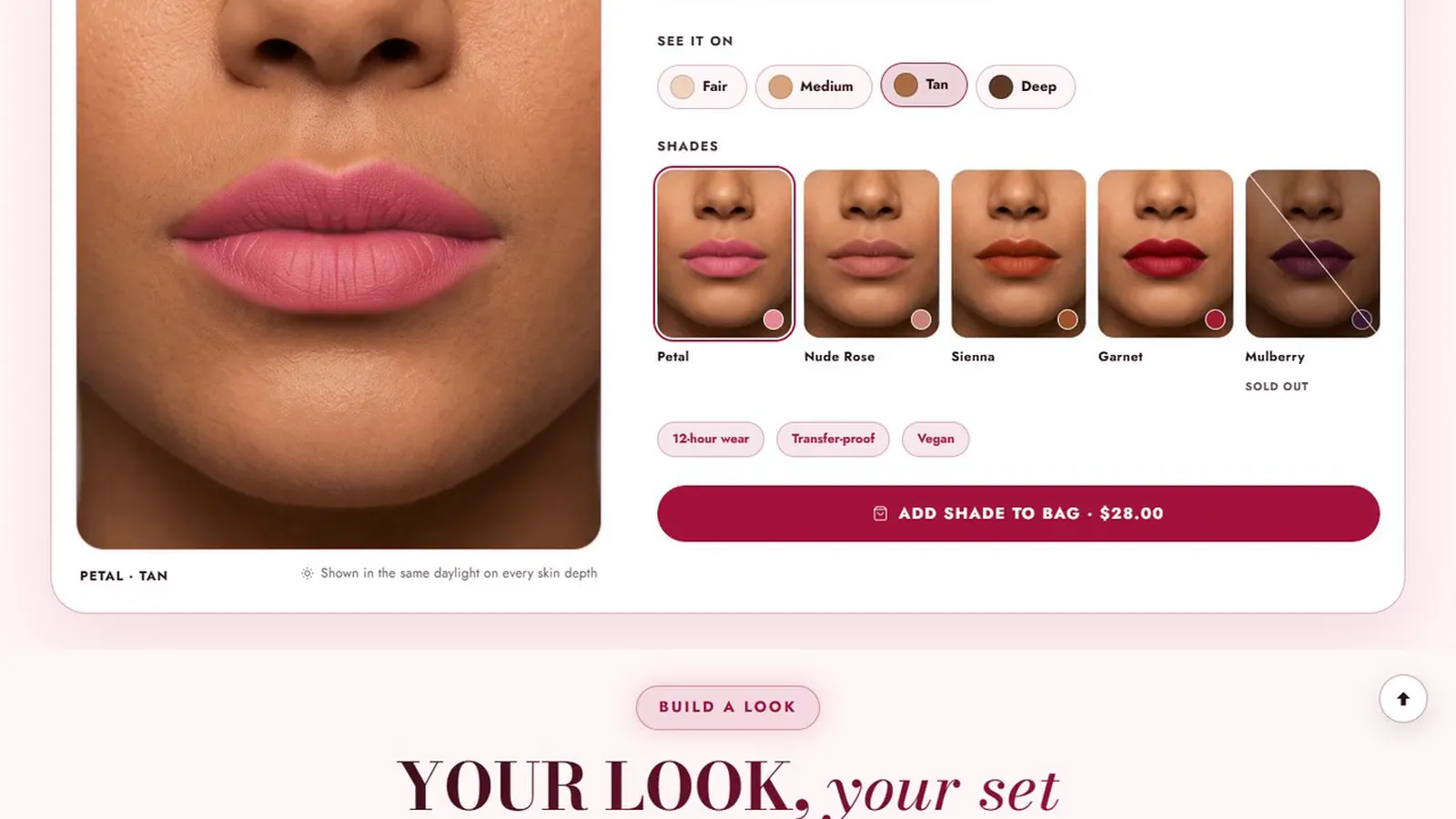
- Show each shade on several skin tones, photographed the same way, before you add any clever tool.
- Two questions, depth and undertone, narrow a range quickly; say so honestly when someone falls between two shades.
- A clear shade swap promise removes the last doubt more than any widget does.
In a store, a shopper swatches three shades on her jaw and picks one. Online she has a circle of color on a screen that is calibrated differently from yours. Every makeup brand selling online is solving the same problem: how to give her the confidence of the store without the store.
Start with honest photographs
No tool fixes bad pictures. Before anything else:
- Photograph every shade on the same four or five skin tones, from light to deep.
- Use the same daylight, camera and distance for every shot, with no retouching.
- Show the shade on the jaw and the inner arm, where shoppers test in a store.
Two questions narrow the range
Most shade ranges are organized by depth and undertone. Asking those two things, "How deep is your skin?" and "Cool, neutral or warm?", narrows twenty shades to one or two. Keep the questions visual, with skin swatches rather than words, and explain undertone in a line: "If silver jewelry flatters you, you are probably cool."
When an answer falls between two shades, say so. "You are between 3N and 4W; most people choose the lighter for daytime" is more useful, and more trusted, than a confident wrong answer.
Real customers in each shade
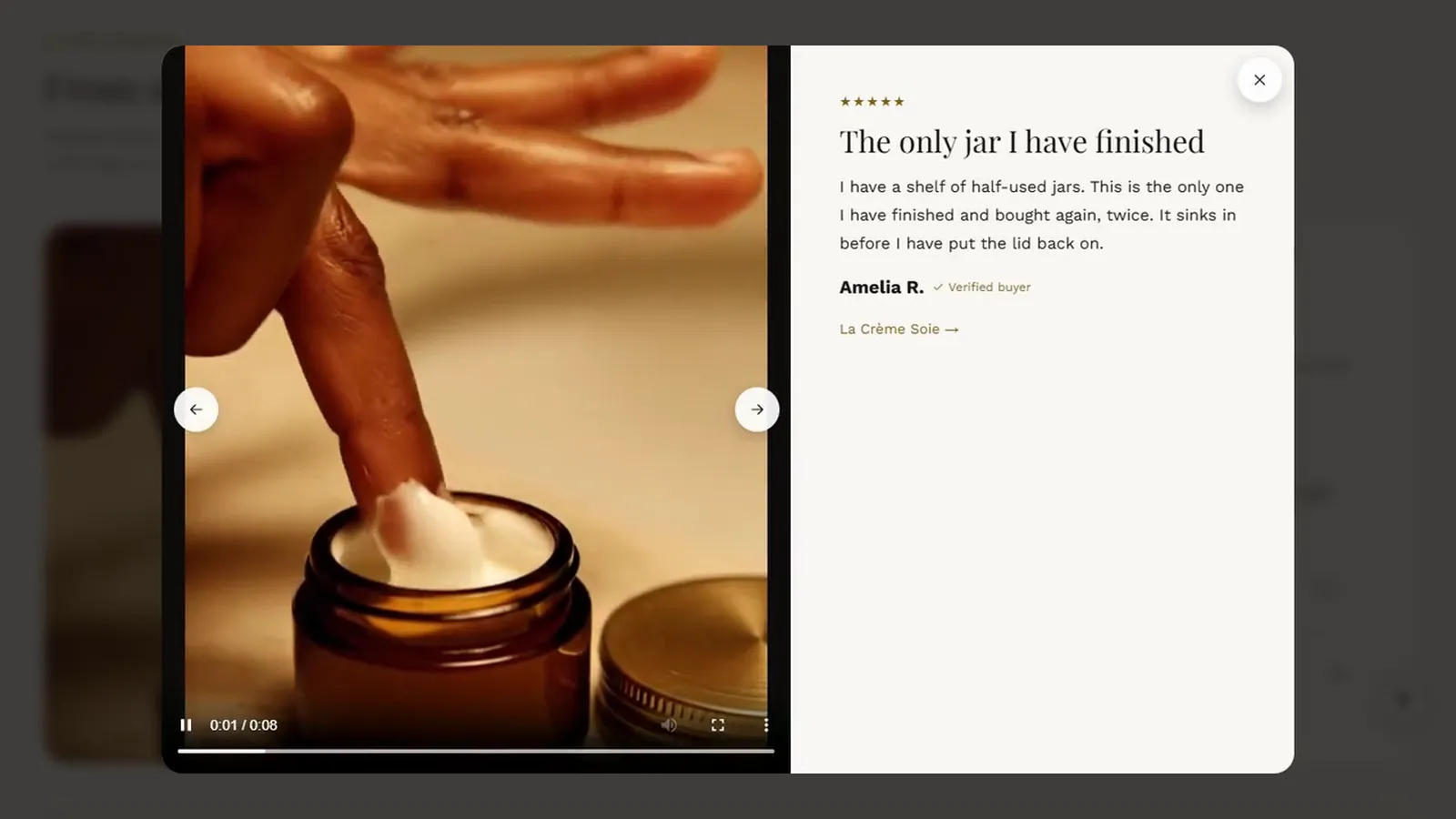
Photographs from customers, tagged with the shade they wear, answer the question "will it look like that on someone like me?" better than any studio shot. Ask for them in your follow-up email, with permission to use them, and show them filtered by shade.
Coverage and before and after
For foundation and concealer, the second question is coverage. Show one face at one, two and three layers, or a before and after slider with the same light and angle. Never retouch either side.
The swap promise
The last doubt is "what if I get it wrong?". A simple promise, "Wrong shade? Swap it within 30 days, even opened", removes it. Put it next to the shade finder, not only in your returns policy. Count the cost of swaps against the sales the promise makes; for most brands it pays for itself.
Setting it up on Shopify
- Make each shade a product option value, with a color or image swatch set in Shopify.
- Give each shade its own product picture, so choosing it changes the gallery.
- Add a shade finder with photos on several skin tones to the product template.
- Add the depth and undertone questions, customer photos and your swap promise.
The Acanthus guides to swatches and the shade finder and shade lab walk through each step.

I design and build websites, online stores and business systems for clients in the US, UK, Europe, Australia and Canada, from Colombo, Sri Lanka. When you work with iVishwa, you talk to me directly, from the first call to launch and after.
Building a beauty store on Shopify?
Acanthus is our Shopify theme for skincare and makeup brands: every tool in this series is built in, with a help center that walks you through each one.