
Home Themes Acanthus Help center
Acanthus help center
How can we help?
Step-by-step guides for every part of Acanthus, with pictures and short films, written for a first shop and a fiftieth. Version 1.0.0.
New to Acanthus? Start here
Follow these in order and your shop is ready to open. Each guide takes a few minutes; we mark the ones you have read.
- Install and publish AcanthusTry Acanthus for free, buy it when you are ready, publish it, and keep your products and pages exactly where they are.
- Your first hour with AcanthusFrom a fresh install to a shop worth opening: logo, colors, fonts, home page, product page, menus and a last look on a phone.
- Choose a style: Acanthus, Calla, Carmine or CeladonFour starting points for four kinds of beauty brand. Which one fits yours, what each starts with, and how to switch.
- Find your way around the theme editorWhere everything is in Shopify's theme editor, and the five moves you will use every day.
- Colors, palettes and color schemesSet your brand colors once for light and dark mode, then choose a color scheme for each section. Here is how the two work together.
- Build your home pageA home page that sells, in five acts: the promise, shopping, the ritual, the proof and your story. Which sections go where, and why.
- The launch checklistTwenty checks before you open the doors, from a test order to how your shop looks when it is shared.
Browse by topic
What merchants ask most
Something not working?
The problems we see most, and the fix for each. Most take a minute.
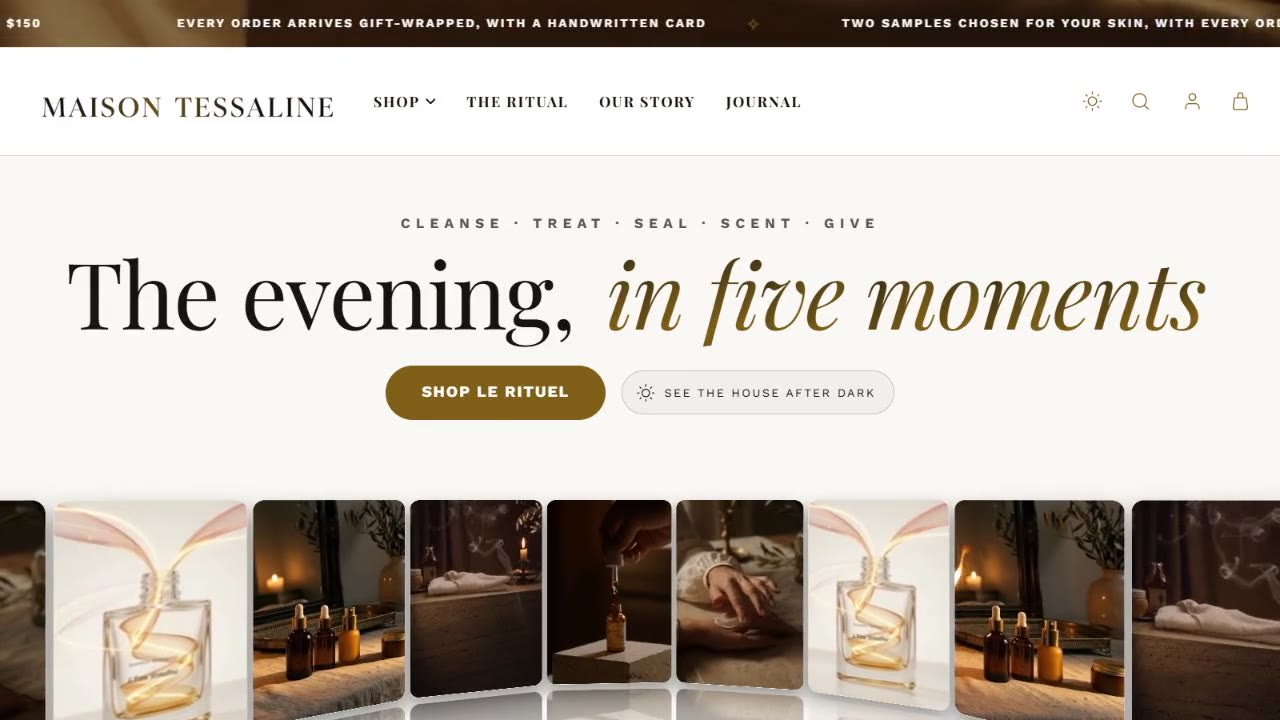
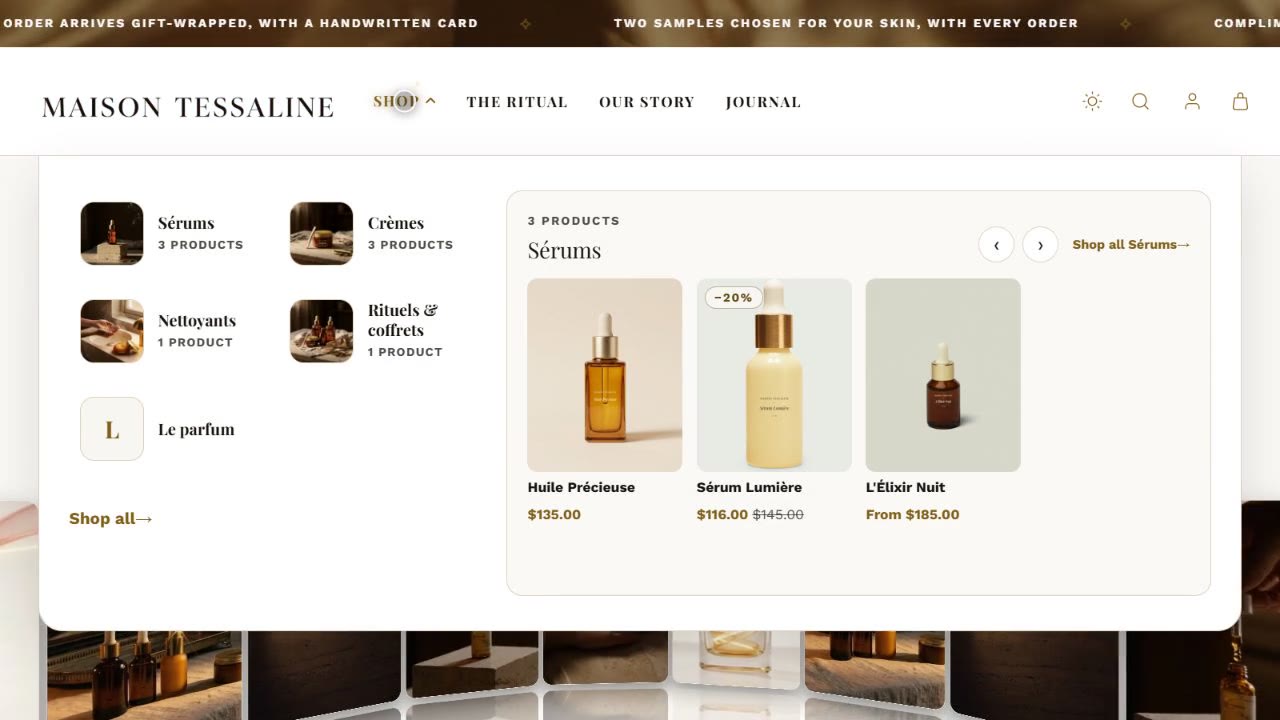
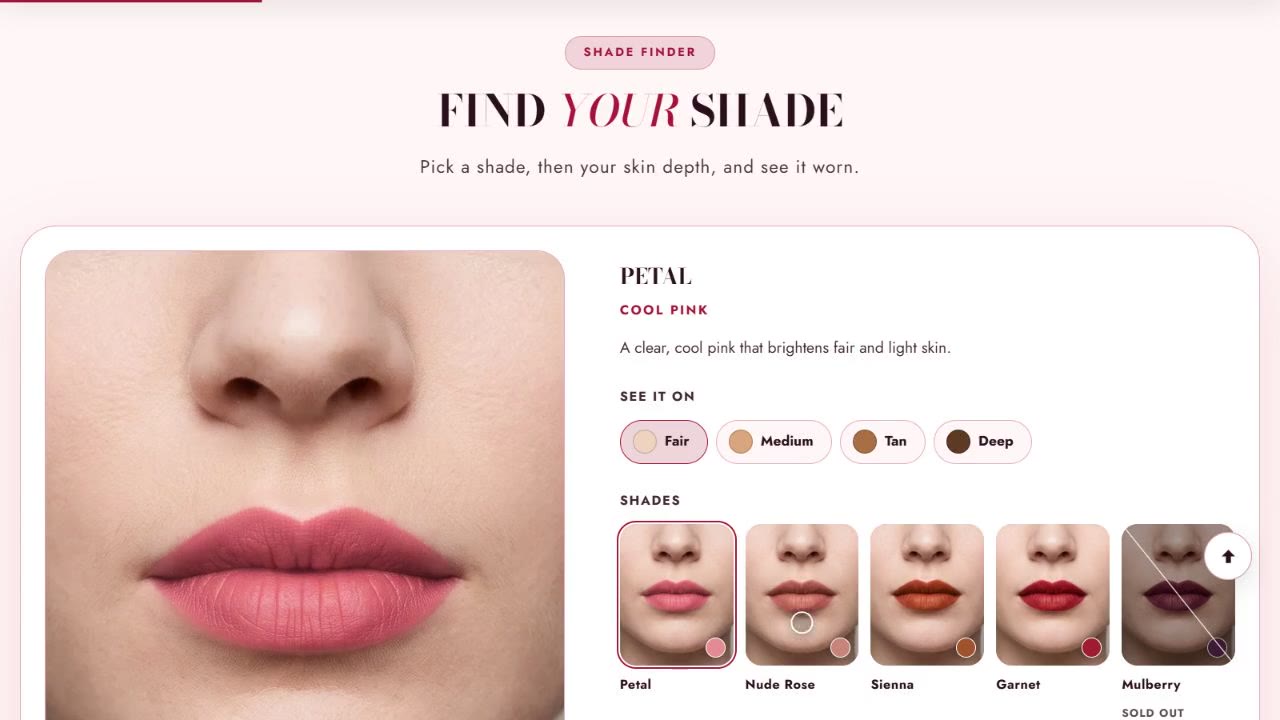
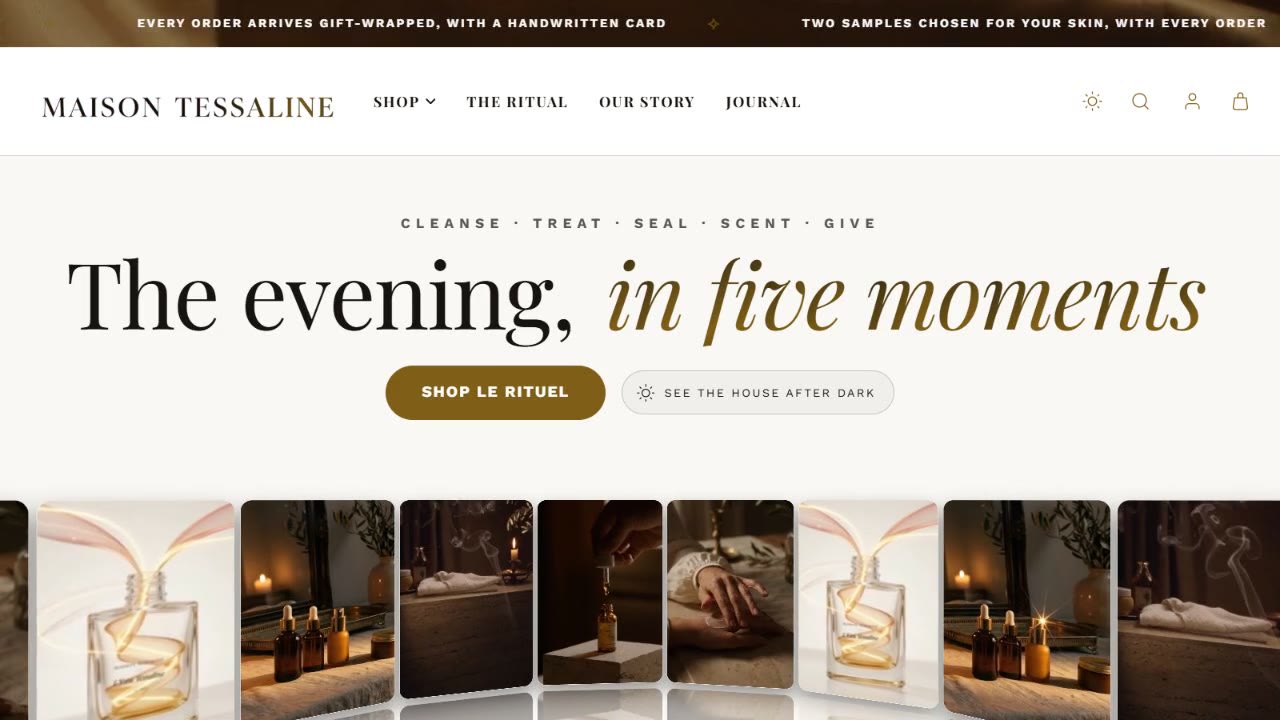
Watch how it works
Short films, a minute or less, no sound needed.
Every section and setting
The reference, in the theme editor's own words: what each section is for and what every setting does.
Still need a hand?
Ask the people who made it
Tell us what you expected and what happened, with your shop's address and a screenshot. We reply within two business days, Monday to Friday, and usually sooner.
What support covers
- Questions about setting up and using Acanthus
- Anything in the theme not working as described
- Updates and the changes in each version
Custom code, edited theme files and third-party apps are outside it. Read the support policy.