
Acanthus installs straight from the Shopify Theme Store into your shop. There is nothing to download, and nothing about your products, collections, pages or customers changes: a theme only decides how they look.
Try it before you buy
Open Acanthus in the Shopify Theme Store.
Choose the style closest to your brand: Acanthus (luxury skincare), Calla (clean and botanical), Carmine (make-up) or Celadon (clinical skincare). Not sure? Compare the four styles.
Select Try theme. Shopify adds Acanthus to Online StoreThemes under Theme library, unpublished. Your current theme keeps running for customers.
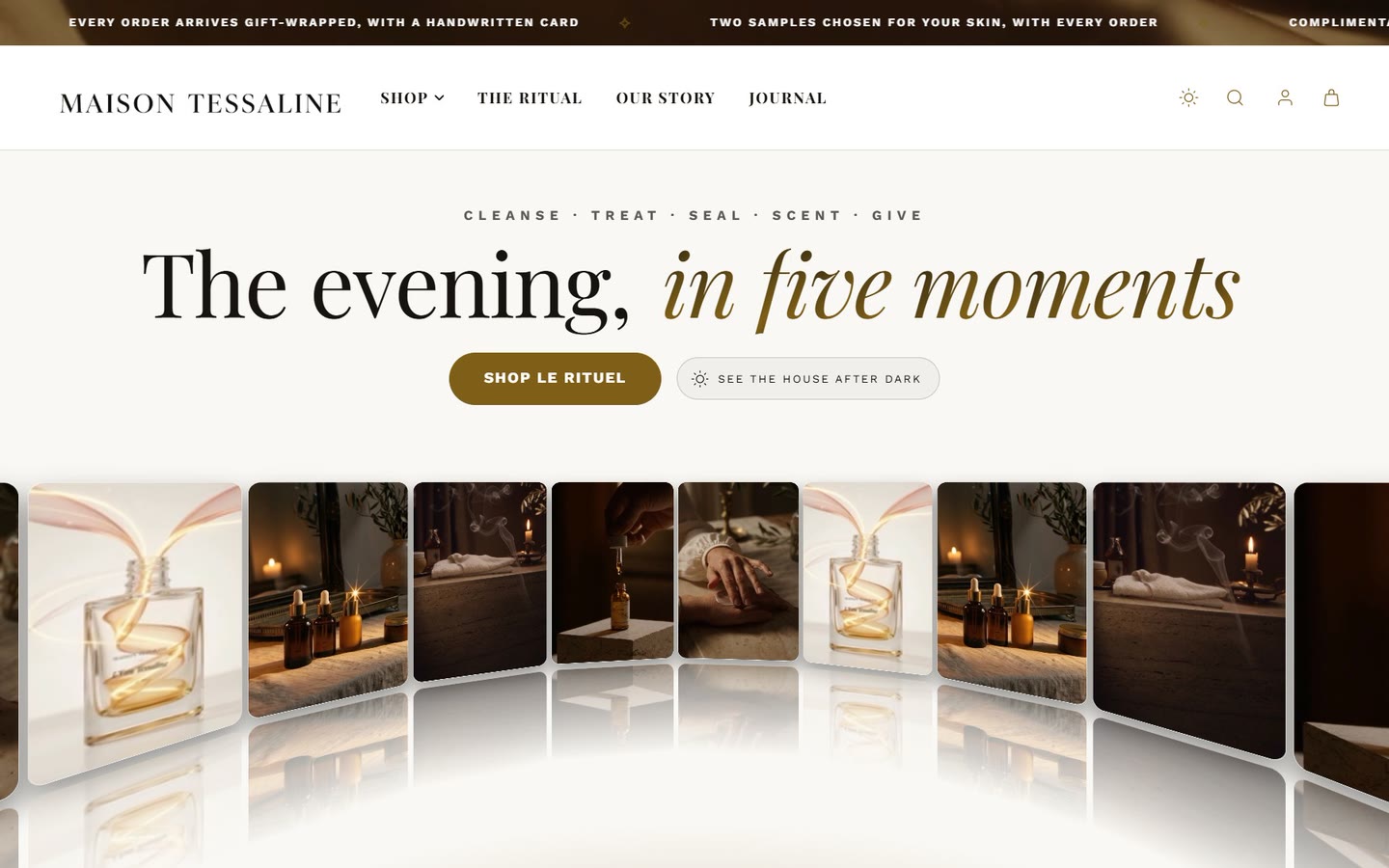
Select Customize on Acanthus to open it in the theme editor and set it up with your own logo, colors and products.
You can try a theme for as long as you like. Everything you change while trying it is kept when you buy, so the time you spend now is not lost.
Buy and publish
In the theme editor, select Buy theme at the top, and complete the purchase. The price is paid once; updates are free.
Go back to Online StoreThemes. On Acanthus, select Publish.
Confirm. Customers see Acanthus on their next click.
What happens to my old theme?
It moves to the Theme library, exactly as it was. Nothing is deleted. Apps that added code to the old theme may need to be switched on again in Acanthus: most modern apps use App embeds (the app icon in the editor's left-hand bar) instead of code, so you only need to switch them on there.
Next
Follow Getting started: in about an hour you go from a fresh install to a shop worth opening.
Will installing Acanthus change my products or prices?
No. Products, prices, collections, pages, menus, customers and orders belong to your shop. Every theme you install shows the same content in its own way.
Can I use Acanthus on more than one shop?
Each purchase covers one shop, including the development stores you use to build it. See the license.
The home page looks different from the demo. Why?
The demo shops use their own photographs, which do not transfer when you install. Your home page has the same sections, waiting for your pictures and words. See My shop does not look like the demo.
Was this guide helpful?
Still need help?Write to us with your shop's address and a screenshot. We reply within two business days, Monday to Friday, usually sooner.
Contact support