
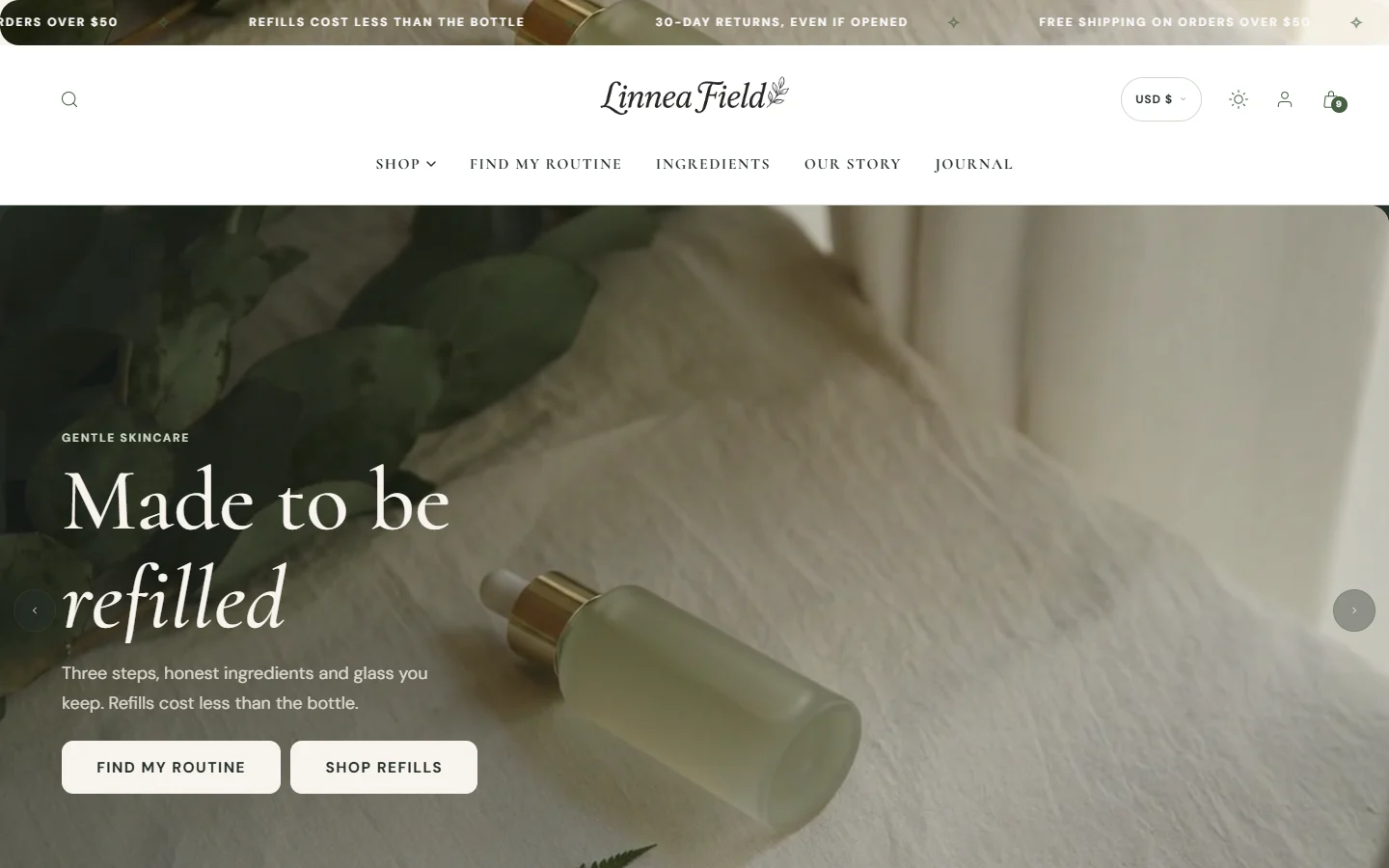
The hero is the first thing a visitor sees, and often the only thing they see before deciding to stay. Acanthus has seven, each made for a different kind of opening.
| Hero | Best for | Feel |
|---|---|---|
| Curved carousel | A range of moments or products in films | Immersive, cinematic |
| Aurora depth hero | A slideshow of campaigns, with depth as the pointer moves | Editorial, layered |
| Silk curtain hero | One strong picture revealed like a curtain | Calm, natural |
| Prism coverflow hero | Products turning in 3D | Bold, playful |
| Specimen hero | One hero product, shown large | Clinical, precise |
| Slideshow | Several pictures in turn, each with its words | Classic, flexible |
| Image banner | A picture and a line | Simple, fast |
Set up the curved carousel
The curved carousel shows your cards on the inside of a slowly turning ring, with the heading and buttons above it. It is the hero of the Acanthus style.
Add or select the Curved carousel section and move it to the top of the page.
Write the Heading, the Highlight text (shown in the accent font) and a short Subtitle.
Under Call to action, add a Button label and Button link. Turn on Day and evening switch to offer dark mode right here.
Add 5 to 8 Carousel card blocks. For each, choose a Card image (and a Dark mode image), or a short Card video (overrides image) with a Dark mode video.
Give each card a Card heading, a Button label and a Card link, usually to a product.
Shape the ring under 3D dimension controls: Perspective depth (curve deepness) for how deep the curve is, and Eye level: Top of the cards hangs every card from one straight line, the way the Acanthus style shows it.
Pictures that work in any hero
- Upload at least 2400 px wide (sizes).
- Keep the product and any face away from the edges; phones crop the sides.
- Set the focal point on the picture so the important part stays in view.
- Choose a darker picture for light text, a lighter one for dark text.
My hero text is hard to read.
Raise the overlay or choose a calmer part of the picture for the text. See Text is hard to read.
The slideshow does not move by itself.
Check that autoplay is on in the section. It also pauses while the pointer rests on it, and for visitors who prefer reduced motion.
Can I have two heroes?
You can, but the second one competes with the first. Use a banner or a scroll film further down instead.
Further reading on the iVishwa blog: How to build a beauty brand home page on Shopify that sells · Video on Shopify without a slow store
Was this guide helpful?
Still need help?Write to us with your shop's address and a screenshot. We reply within two business days, Monday to Friday, usually sooner.
Contact support