
Beauty shoppers want to know two things before they buy: does it work, and do people like me love it? Acanthus has a section for each kind of proof.
Proof sections
| Section | Shows |
|---|---|
| Reviews | Your reviews with a rating summary, photos and films, filters and sorting |
| Testimonials | A featured quote with a portrait or film, beside a column of reviews |
| Video reels | Customer films in a row |
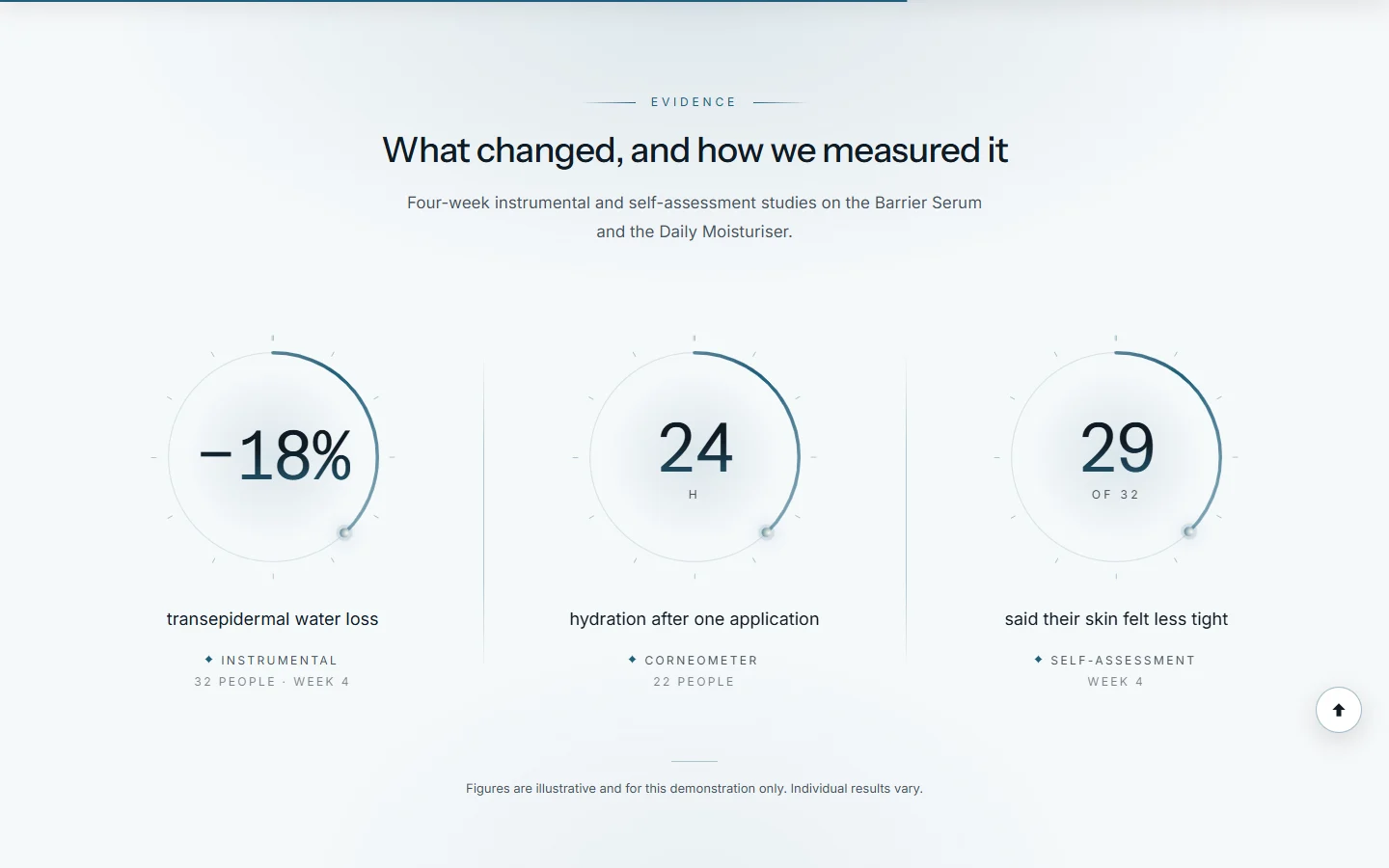
| Measured results | The figures from your tests, with how each was measured |
| Results by week | A test told week by week, with photographs |
| Press and accreditations | A moving ribbon of press quotes and seals |
| Brand logos ticker / Logo list | Logos of press, stockists or certifications |
Reviews: from an app or written in the theme
With a review app (recommended once you sell): install a reviews app from the Shopify App Store. Most add a star rating to the product page automatically, and a reviews block you can place with an Apps block in the Reviews section or on the product page. The theme's star rating block reads Shopify's standard rating data, which most review apps fill.
Without an app: add Review blocks to the Reviews section. Each has Stars, Headline, Review, Name, Verified buyer and an optional Customer photograph or Customer video.
Publish only reviews customers actually wrote, with their permission. Made-up reviews break consumer law in most countries, including FTC rules in the United States, and Shopify's terms. Never mark a review Verified buyer unless that person bought the product.
Set up the Reviews section
Add Reviews to the home page or a product template.
Choose a Layout and Card style, and how many Reviews shown at first.
Under Summary, turn on Show the rating summary and Show the split by stars.
Under Photos and films, turn on Show a strip of customer photos and films.
Under Filters, choose Filter by (skin type, for example). On product templates, turn on On product pages, show only that product's reviews.
Results and figures
Measured results and Results by week are made for real test results. Each figure has a line for how it was measured. Read Honest results and claims before you fill them in.
Further reading on the iVishwa blog: Honest urgency: countdowns, stock levels and reviews that keep trust
Was this guide helpful?
Still need help?Write to us with your shop's address and a screenshot. We reply within two business days, Monday to Friday, usually sooner.
Contact support