
A template is the arrangement of sections for a kind of page. Acanthus has one for each kind of product, so a foundation, a serum and a limited edition can each have the page that sells it best.
Assign a template
Open the product in Products (or a collection in ProductsCollections).
In Theme template, choose the template.
Save. The product now uses that layout.
To change a template for every product that uses it, open the theme editor and choose it in the page selector at the top (Products > shade-match, for example).
The product templates
| Template | For a product that | After the buy box |
|---|---|---|
| Default product | Needs nothing special | Reviews, recommendations, before and after |
| shade-match | Comes in shades | Shade lab, coverage levels, questions, reviews |
| clinical-shade | Sells on results | Before and after, concern diagnostic, clinical results |
| treatment-quiz | Is bought for a concern | Concern diagnostic, before and after, clinical results |
| glow-storytelling | Sells on what is in it | Ingredients story, before and after |
| maison-ritual | Is used with others | Ritual routine, ingredients, clinical results |
| proof-protocol | Makes a claim | Measured results, results by week, formula dosage, routine steps |
| maison-edition | Is made to order | Engraving, provenance, price breakdown |
| edition | Is a limited edition, told like a magazine | A cover, the spread, a quote and the formula |
| flash-drop | Is a timed or limited release | Tiered pricing, before and after |
The collection templates
| Template | Layout |
|---|---|
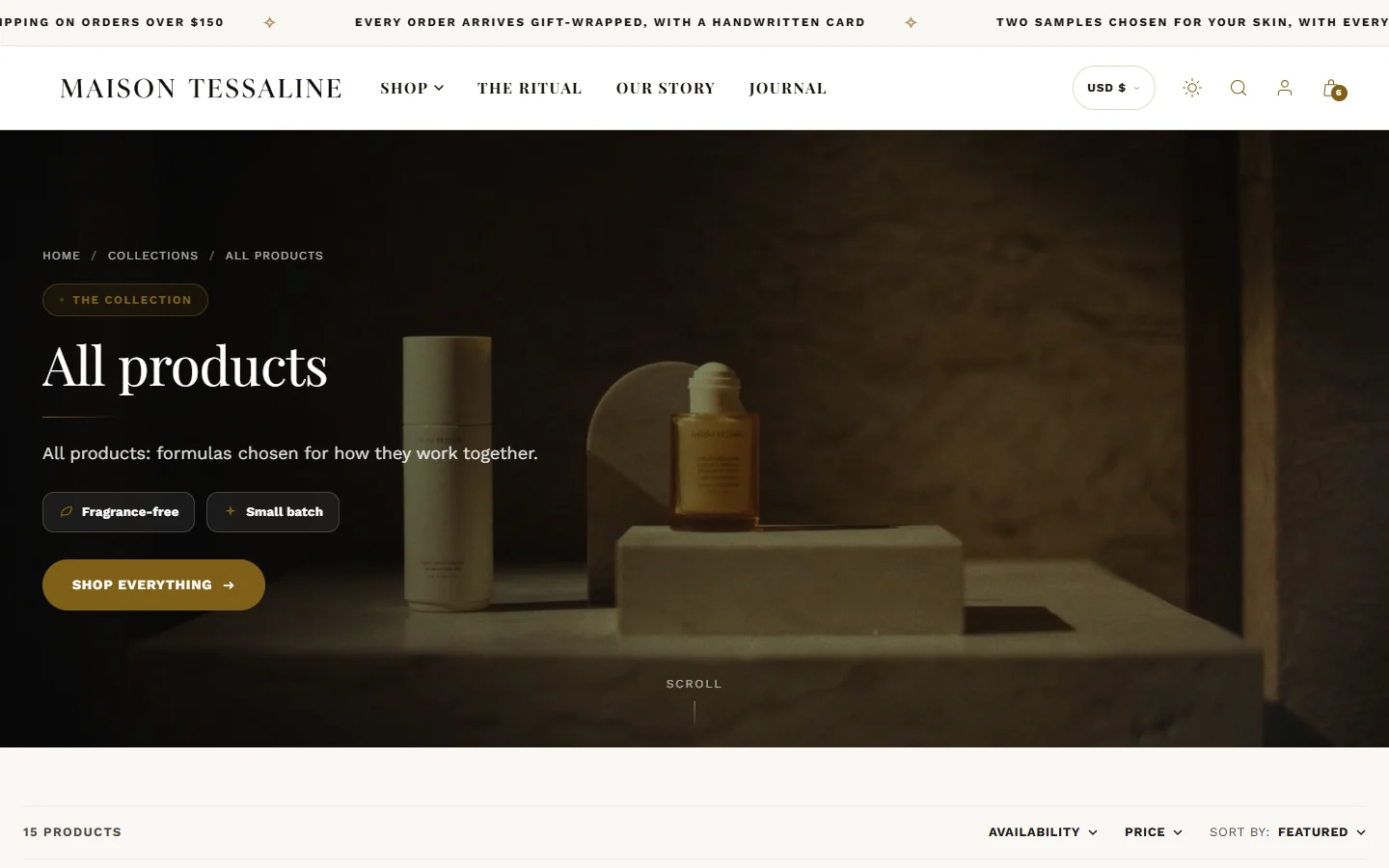
| Default collection | A catalog with filters |
| bloom-cascade | Products staggered down the page |
| radiance-grid | A grid with promotional tiles among the products |
| maison | An editorial layout for a short range (no paging) |
| lookbook | A shoppable photograph above the catalog |
| prism-vault | Cards that flip in 3D: the product on the front, its description and quick add on the back |
| ritual-rail | A sideways shelf read as a routine; products tagged step:1, step:2, step:3 show their step |
| shade-atlas | Every shade of a product folded into one card, with real swatches to pick from |
Create your own
In the theme editor, open the page selector, choose Products (or Collections, Pages), then Create template. Name it, choose a template to copy from, and add your sections. A template called "gift" appears as gift in the product's Theme template list.
A template can hold up to 25 sections. Templates you do not use cost your visitors nothing: only the template a page uses is ever loaded.
Was this guide helpful?
Still need help?Write to us with your shop's address and a screenshot. We reply within two business days, Monday to Friday, usually sooner.
Contact support