
Selvedge has two shoppable look sections.
| Section | Shows | Best for |
|---|---|---|
| Try the look | Several model photos side by side, with numbered pins | A lineup of outfits for the season |
| Shop the look | One large photo with hotspots | One hero outfit, or a lookbook page |
Build a look
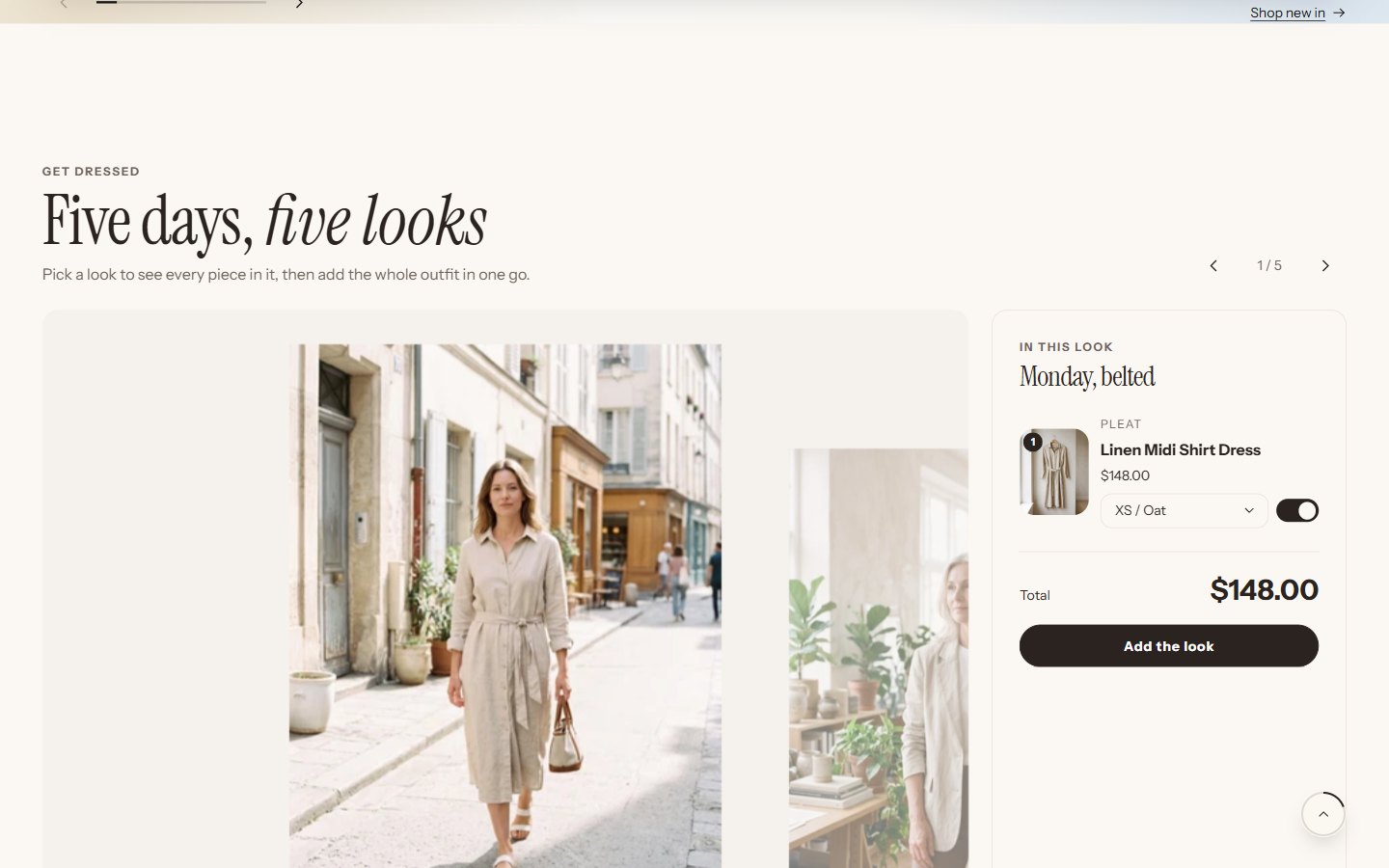
Add Try the look and select a Look block.
Upload a full-length photo and choose up to six Products in this look.
Move Pin 1 across and Pin 1 down until the pin sits on the first piece. Repeat for each product.
Turn on Show sizes and add the whole look, so shoppers choose a size for each piece and add everything at once.
If a shopper has told the store their size (see size guide and fit), it is already selected on each piece.
Was this guide helpful?
Still need help?Write to us with your shop's address and a screenshot. We reply within two business days, Monday to Friday, usually sooner.
Contact support